Select an overlay from the dropdown to copy its link or import code. Then, paste it into Streamer.bot to use the overlay.
Use the video or the image guide to see how to import.


Connecting your C# projects with Streamer.bot seamlessly
Select an overlay from the dropdown to copy its link or import code. Then, paste it into Streamer.bot to use the overlay.
Use the video or the image guide to see how to import.
Import the code into Streamer.bot and use the link as an OBS Browser Source.
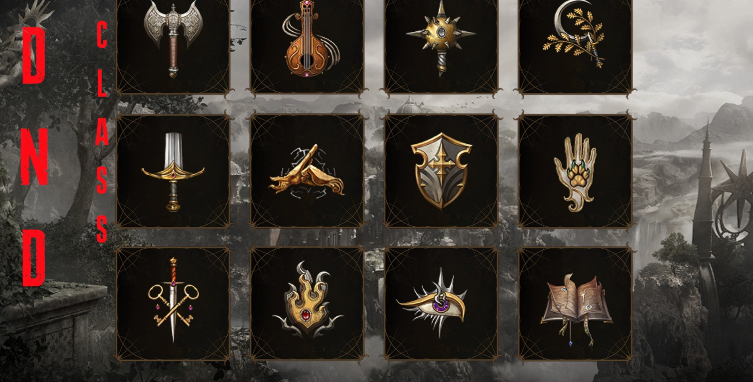
Use the TWO URLs for OBS.
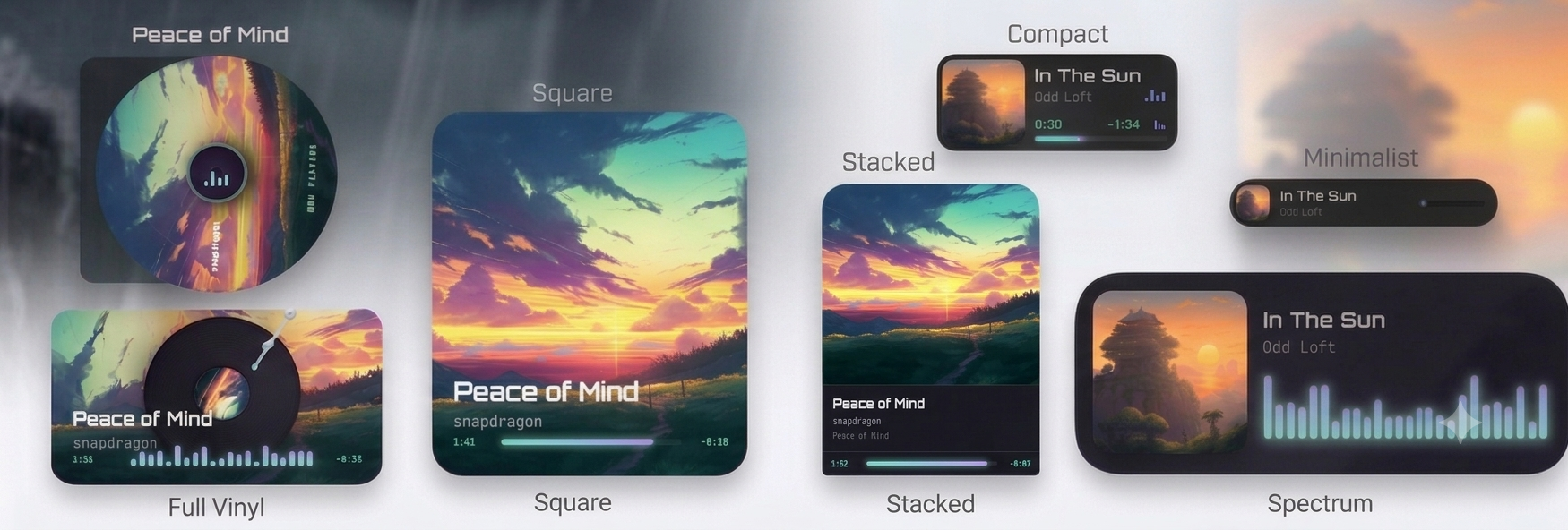
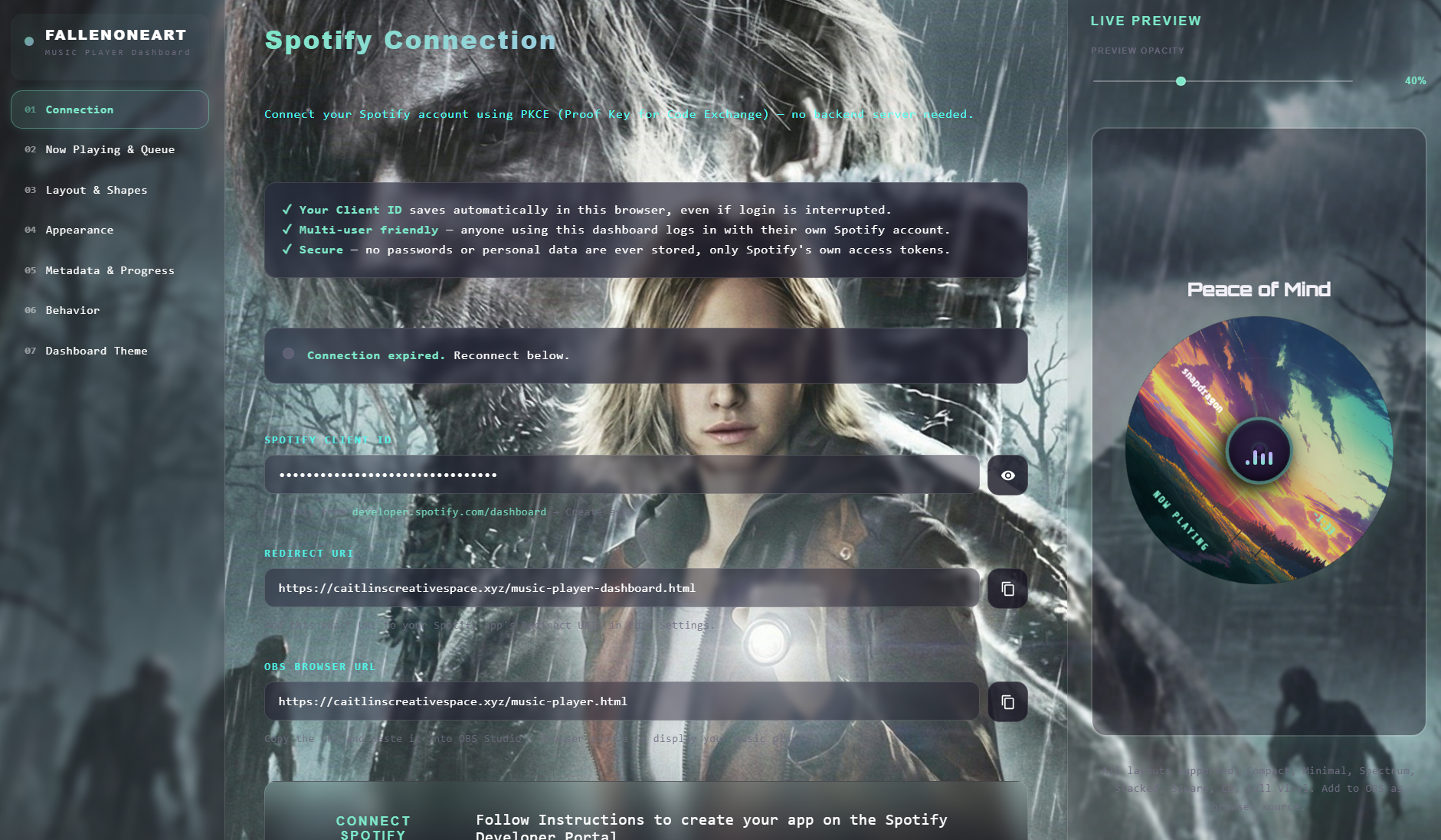
Import code on right into Streamer.bot.
Add link on left as OBS Browser Source.
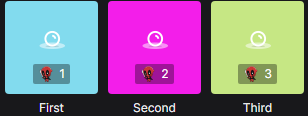
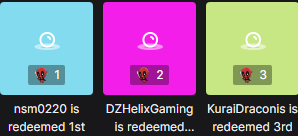
Updated Game Quiz featuring Leaderboards and Top 3 placements.
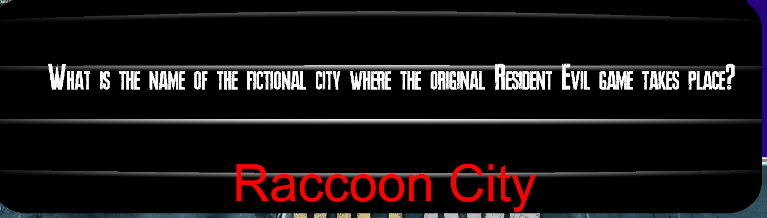
Copy and paste the code into Streamer.bot Import.

Copy and paste the code into Streamer.bot Import.
Copy and paste the code into Streamer.bot Import.

Copy and paste the code into Streamer.bot Import.
Copy and paste the code into Streamer.bot Import.
Copy and paste the code into Streamer.bot Import.
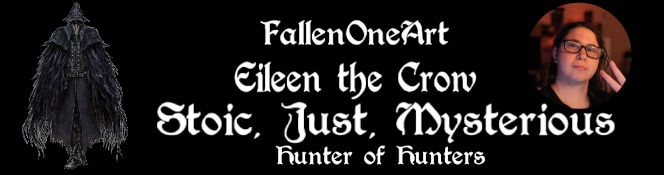
Import code on right into Streamer.bot.
Add link on left as
OBS Browser Source.
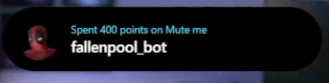
Copy and paste the code into Streamer.bot Import.
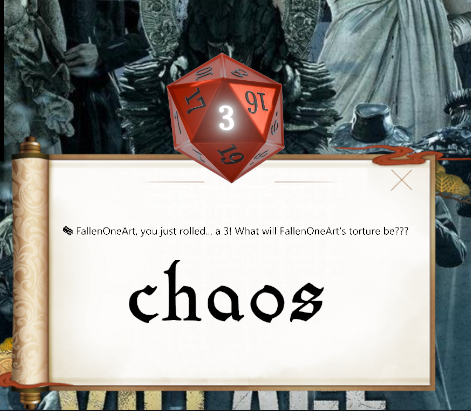
Copy and paste the code into Streamer.bot Import.
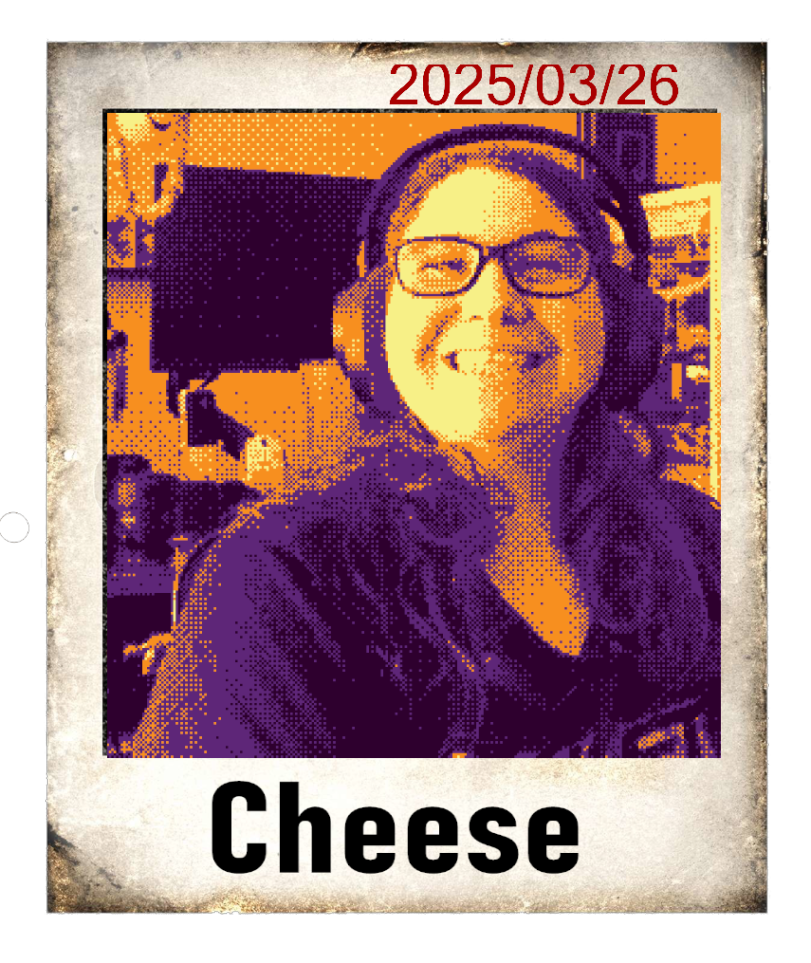
Posts to txt and Discord with User's image/username, then randomly posts in Chat and Discord.

Copy and paste the code into Streamer.bot Import.

Copy and paste the code into Streamer.bot Import.
Combination of Mee6, Carlbot and Streamcord... I don't know what you call it but it works! Duration does work and everything and the image was a test.
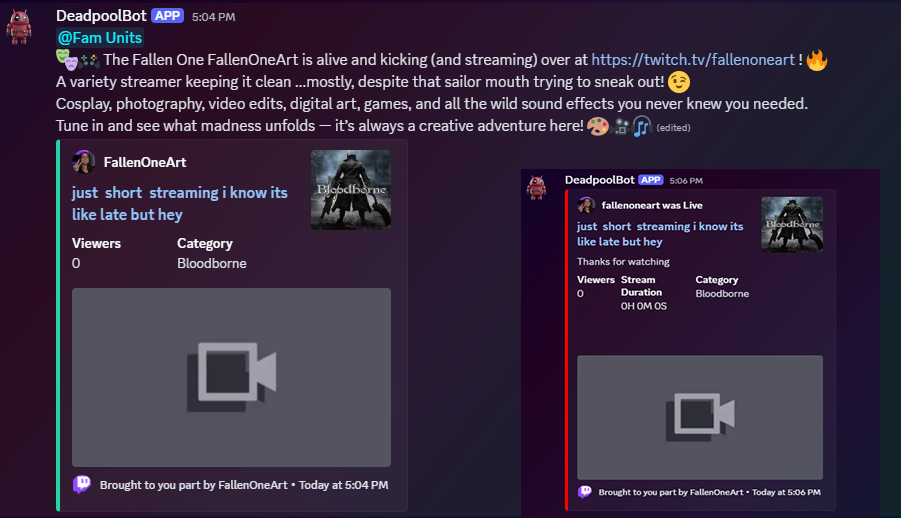
Select and copy the code to the left, then paste it into the Streamer.bot Import window.
This script sends a notification to your Discord server before you go live on Twitch. It only triggers if you type in chat.
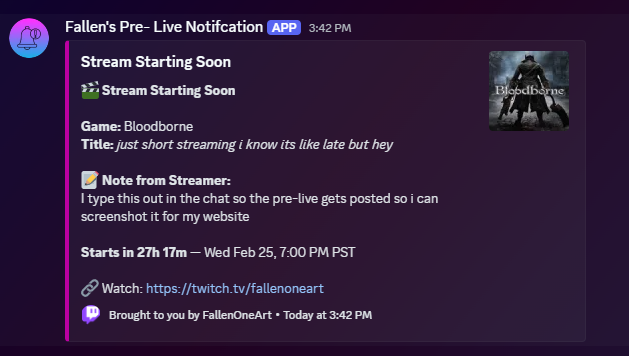
Select and copy the code to the left, then paste it into the Streamer.bot Import window.
This script manual Shoutout then plays a clip then sends a shoutout to your Discord server when someone raids by triggering the command !so {user} in your Twitch chat
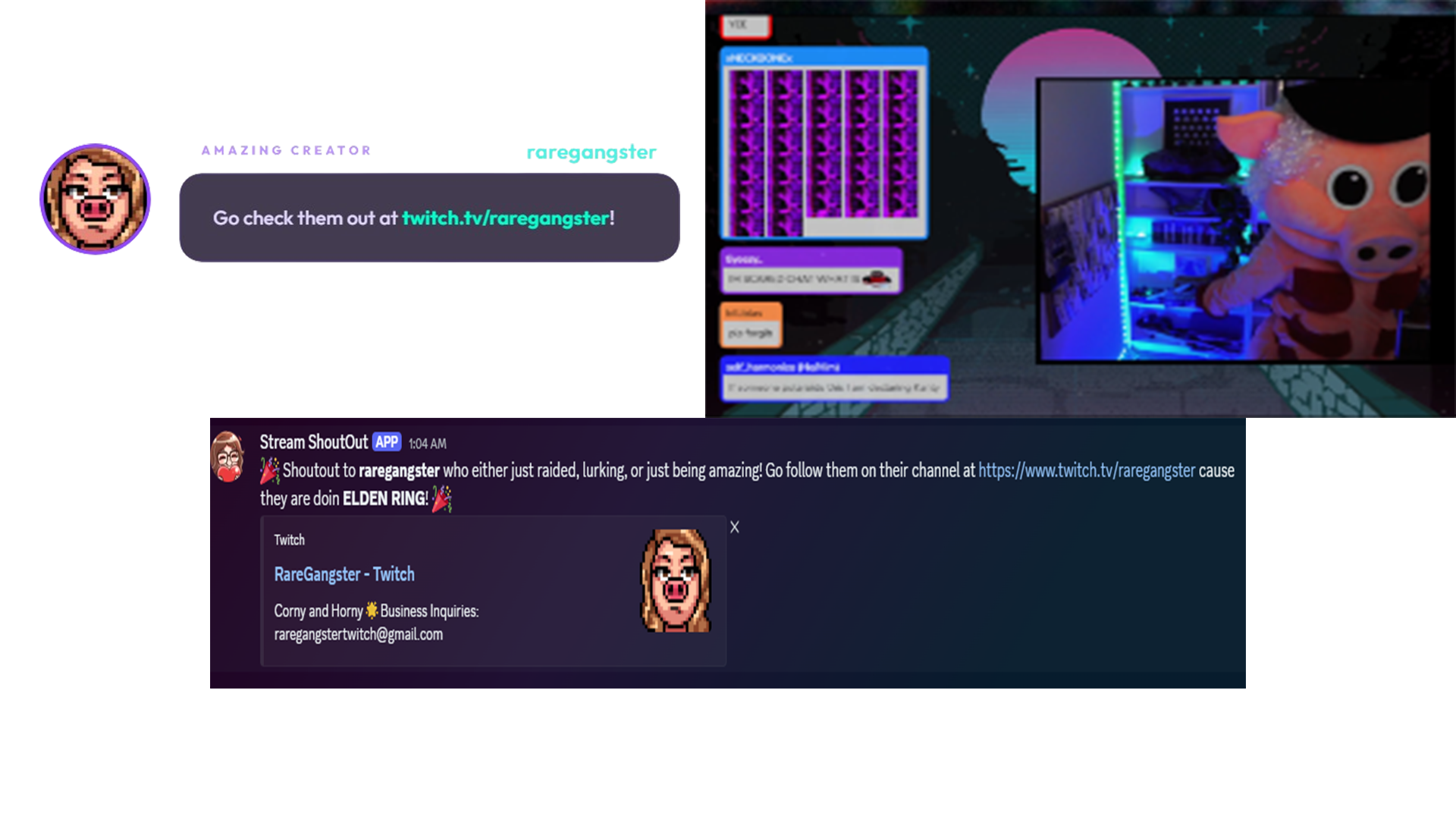
Import code on right into Streamer.bot.
Add link on left as
OBS Browser Source.

Import code on right into Streamer.bot.
Add link on left as OBS Browser Source.
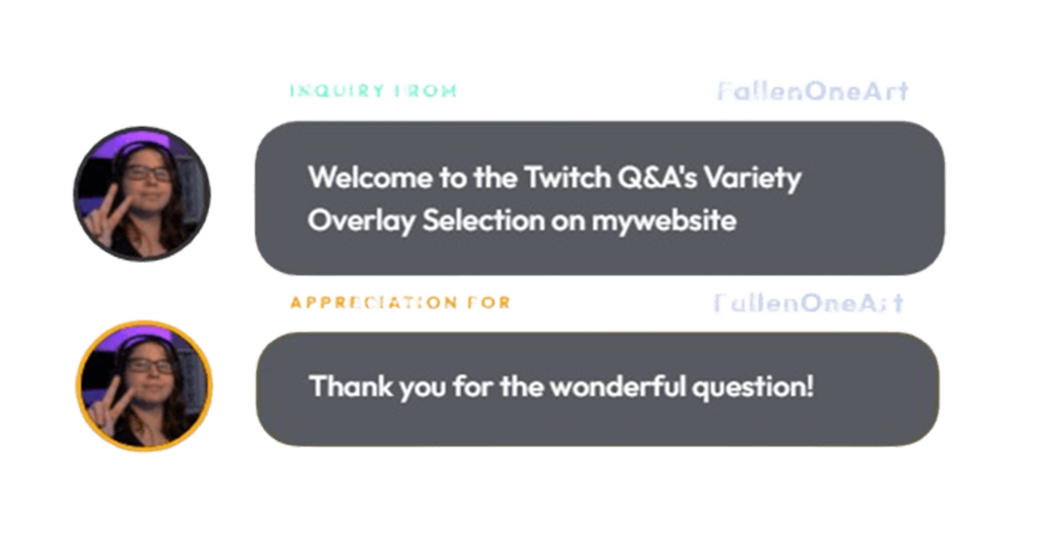
Select the version you want on both sides.
Import code into Streamer.bot & add Link to OBS.

Select the version you want on both sides.
Import code into Streamer.bot & add Link to OBS.

Import the code into Streamer.bot and use the link as an OBS Browser Source.
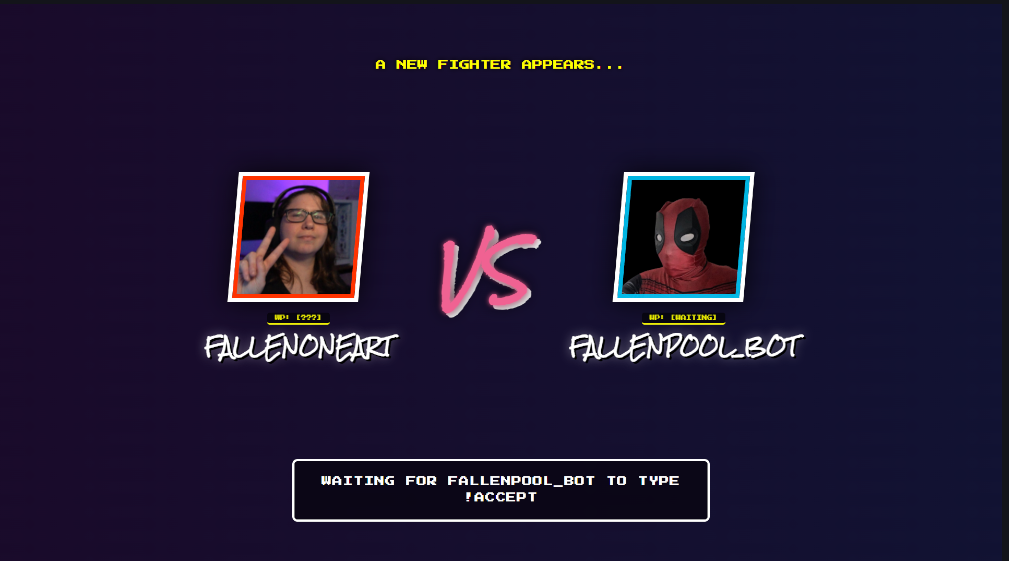
Import the code into Streamer.bot and use the link as an OBS Browser Source.
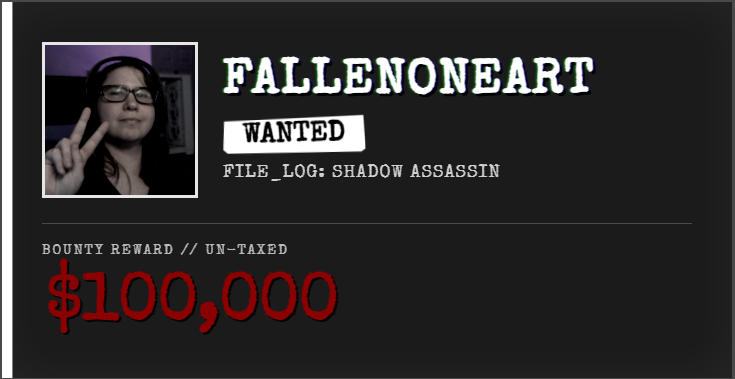
Copy the link as an OBS Browser Source.

Copy the link as an OBS Browser Source.

Import the code into Streamer.bot and use the link as an OBS Browser Source.
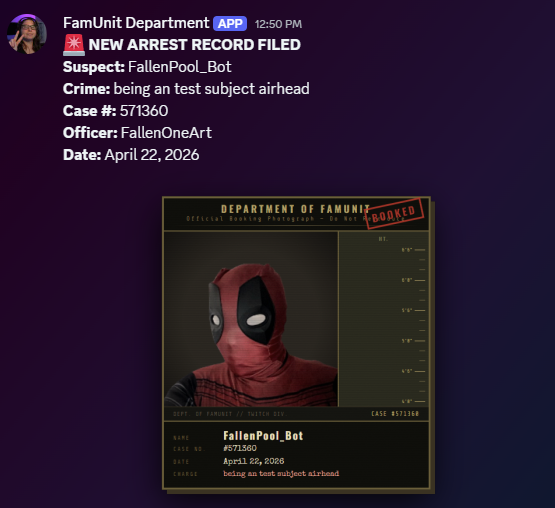
Copy the link as an OBS Browser Source.

